

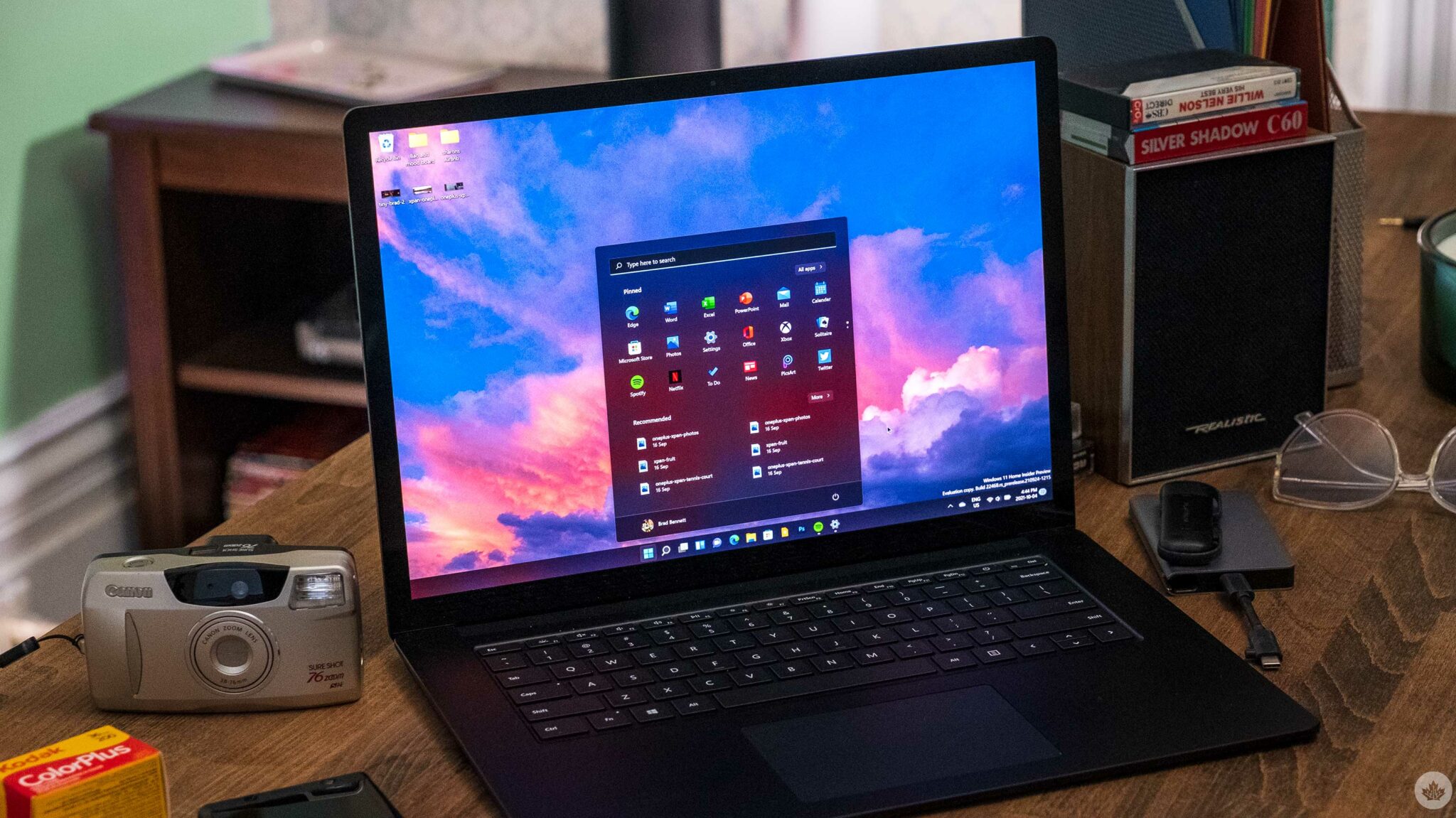
Microsoft is finally addressing one (of many!) big complaints about Windows 11: search. In a recent blog post for Windows Insiders, the company acknowledged it hasn’t delivered the experience people want, writing that users have “been asking for search that is faster, more relevant, and easier to use—whether you’re opening an app, finding a file, [...]
Microsoft is finally addressing one (of many!) big complaints about Windows 11: search. In a recent blog post for Windows Insiders, the company acknowledged it hasn’t delivered the experience people want, writing that users have “been asking for search that is faster, more relevant, and easier to use—whether you’re opening an app, finding a file, or changing a setting.”
As someone who largely interacts with my tech through search, that all sounds great to me. Sure, I could clutter up my desktop or taskbar with apps and icons, but I much prefer keeping things clean and typing a few characters to find what I need. It’s part of why I’ve been using macOS over Windows lately — Spotlight search is so dang good!
While Microsoft won’t be ripping off Spotlight, it does have several notable changes coming. The company also shared several before and after photos, which you can check out in the gallery below. Search changes include reduced visual clutter and an increased focus on showing recent searches, clearer results, priority for local results, better file searching, better handling of typos (especially when searching for apps), and general improvements to search rankings.
The company also says it’s improving the reliability of search, which should mean fewer crashes and loading issues overall. More importantly, Microsoft is also removing promotional content from web results that appear in web results. That should make search more effective for getting quick answers.
All of this sounds great and should be welcome improvements for most. Unfortunately, unless you’re a Windows Insider, you’ll need to wait a while before you can enjoy the improved search experience. Insiders are starting to get the changes now, but regular users won’t see the upgrades until later this year.
Source and reference
Source: Microsoft MobileSyrup may earn a commission from purchases made via our links, which helps fund the journalism we provide free on our website. These links do not influence our editorial content. Support us here.
Read original source- Published
- Jul 15, 2026
- Updated
- Jul 15, 2026
- Source
- Mobilesyrup
- Category
- Technology
- Read time
- 1 min
Key facts
Why this matters locally
This technology story matters locally because it may affect readers, businesses, commuters, families, or public services in British Columbia.
Local impact
BC Post links this item to British Columbia coverage so readers can follow related city updates, weather, traffic, events, and category news in one place.
Timeline
Source and credit
BC Post may summarize, organize, and add local context for reader clarity. Original reporting remains with the listed publisher.
Related Articles
View all Technology
Transformer-manufacturing company to shut down its Chilliwack facility
Technology
Transformer-manufacturing company to shut down its Chilliwack facility
 Technology
Quebec announces plan to train more aerospace workers as demand surges
Technology
Quebec announces plan to train more aerospace workers as demand surges
 Technology
Apple’s Lawsuit Could Choke OpenAI’s iPhone Rival Before It Even Ships
Technology
Apple’s Lawsuit Could Choke OpenAI’s iPhone Rival Before It Even Ships
 Technology
Spectro Cloud Raises $100 Million Series D to Help Customers Move AI Infrastructure Into Production Across Enterprise, Public Sector, Neocloud and Sovereign Cloud Environments
Technology
Spectro Cloud Raises $100 Million Series D to Help Customers Move AI Infrastructure Into Production Across Enterprise, Public Sector, Neocloud and Sovereign Cloud Environments
 Technology
GO train users could face delays, cancellations due to ‘crew constraints’: Metrolinx
Technology
GO train users could face delays, cancellations due to ‘crew constraints’: Metrolinx
 Technology
Texting a stranger works better to fight loneliness than talking to an AI chatbot
Technology
Texting a stranger works better to fight loneliness than talking to an AI chatbot
More Local Coverage
Latest news Business
AI Market Trends: Q2 2026 Review and Forecast
Business
AI Market Trends: Q2 2026 Review and Forecast
 Politics
Powerful pro-life ad featuring boxing legend to air during final World Cup matches
Politics
Powerful pro-life ad featuring boxing legend to air during final World Cup matches